
How to Play First Person Boxing
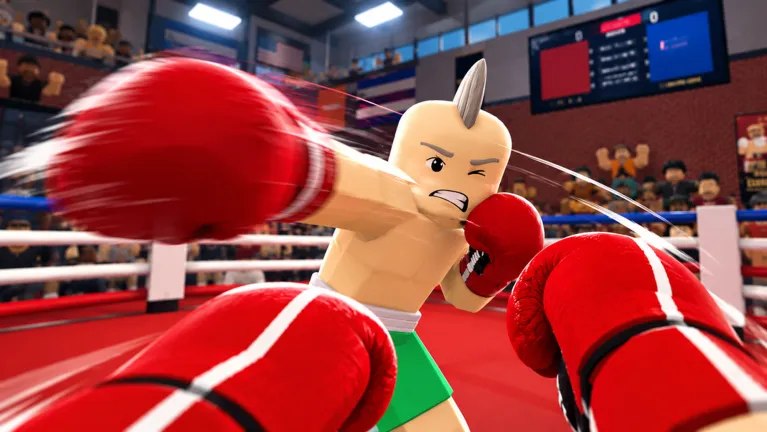
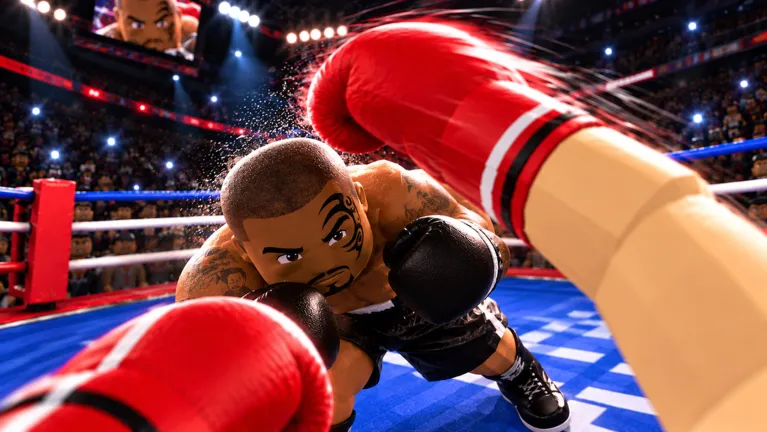
First Person Boxing is a Roblox fighting game by Can You Box?. It is not a real-life boxing manual, and it is not Untitled Boxing Game or Boxing Beta.
You do not switch the camera. The official description calls First Person Boxing a true first-person perspective, so the Roblox question about zooming into first person does not apply here.
Last checked 2026-10-24. Editorial review 2026-10-24. Source snapshot dates are stated with each claim.
What I checked, in the order I did it
I started from the game page sentence about slip, counter, guards, and stamina, then I checked whether any guide tells you to scroll the camera. They do not. The zoom tips you see on generic Roblox answers are for other experiences. After that I wrote the first minute as install, play, tutorial, then one AI round, because that is the sequence the code articles assume before the Shop opens.
Before your first fight
Install the Roblox client from the links on platforms, open the official experience, and press Play. Code guides say a short tutorial runs first and the Shop unlocks after it. I do not have a sourced length for that tutorial, so I will not invent one. You can fight AI from the feature list on the game page.
The four mechanics
Except for the broad mechanics in the official description, the inputs and HUD cues below are AllThingsHow community reports, not a current-game control test.
Guard. Hold F in the most repeated PC notes. The game page says different guards cover head and body. The cited sources do not establish the input that switches height. Do not guess a mouse gesture.
Slip. Space plus a WASD direction. Guides mention HUD lines such as SLIPPED or DUCKED.
Counter. When the HUD says the counter window is open, click. Those punches are described as harder than a cold punch.
Stamina. Punches, slips, and blocks spend it. Sweat and the word GASSED are the warnings in the October guides. A tired fighter moves and punches slower.
Keys with the conflicts are on controls.
Your first 60 seconds
PC, mobile, and the settings people change
Mobile and console are on the official platform list. There is no verified mobile button map. Use the in-game overlay. Community settings from AllThingsHow: raise FOV from 80 toward 90–100, turn lock-on on at the start of a fight, turn off head movement with punches, and turn knockdown replays off. Round length is also only a community note: 3 rounds of 3 minutes, with a 10-count knockdown. I am not calling that official.
Game video
NEW CODES & HOW TO PLAY First Person Boxing. YouTube reports publication at 2026-10-16T02:00:32-07:00. The player stays empty until you press play, so this page does not request YouTube on first load.
Source: YouTube watch page. Not a Can You Box? channel upload.
FAQ
How do I go first person in this Roblox game?
You are already in first person. The official description says true first-person perspective. Do not use the generic scroll-wheel zoom tip.
Is it first-person only?
The published description presents it as first-person. I have not found an official third-person toggle.
How long is the tutorial?
Guides call it short and say the Shop waits until it ends. No source gives a minute count.
Sources
- Official game page — Official
- AllThingsHow — Oct 17, 2026
- Berlian kecil video — Oct 16, 2026 description